Documentation Index
Fetch the complete documentation index at: https://s2.dev/docs/llms.txt
Use this file to discover all available pages before exploring further.
Reference
Documentation for the S2 components for Bento is available at:
Getting started
We are going to take inputs from a number of S2 streams, process the records using Bento, and output the records merged into another S2 stream.
Prerequisites
Generate an S2 access token
Generate an access token by logging into the dashboard and set the S2_ACCESS_TOKEN environment variable:export S2_ACCESS_TOKEN="YOUR_ACCESS_TOKEN"
Install the S2 CLI
Install the S2 CLI and set the access token:s2 config set access_token ${S2_ACCESS_TOKEN}
Install the Bento CLI
Install the latest version of the Bento CLI:curl -Lsf https://warpstreamlabs.github.io/bento/sh/install | bash
Ensure that the CLI supports the S2 plugin:
Setup
Create a new basin
Basin names are globally unique. They must be between 8 and 48 characters long and comprise lowercase letters, numbers and hyphens. They cannot begin or end with a hyphen.
export MY_BASIN_NAME="YOUR_BASIN_NAME"
s2 create-basin ${MY_BASIN_NAME}
Create source streams
Create source streams with the prefix pup/ and append some “woofs”:PUP_NAMES=("buddy" "yoyo" "scooby")
for PUP in "${PUP_NAMES[@]}"; do
s2 create-stream "s2://${MY_BASIN_NAME}/pup/${PUP}"
# Generate and append 10000 random woofs.
for _ in {1..10000}; do
echo "${RANDOM}"
done | s2 append "s2://${MY_BASIN_NAME}/pup/${PUP}"
done
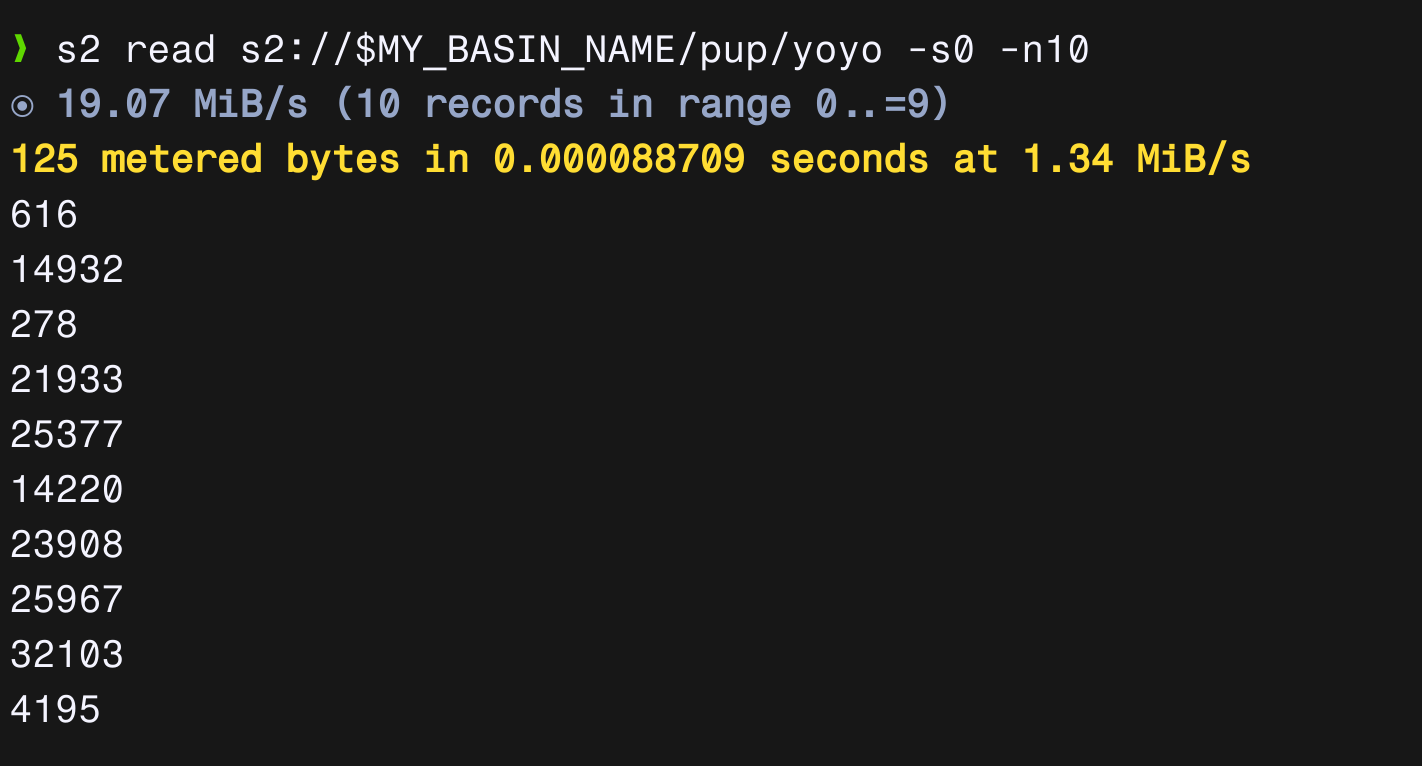
We can verify that the streams have been appended with random numbers using:s2 read s2://${MY_BASIN_NAME}/pup/yoyo -n 10
The above command should output a list of 10 random numbers.
Create a new stream called woofs to store the processed records:s2 create-stream "s2://${MY_BASIN_NAME}/woofs"
The Pipeline
Configuration
Create a file called woof-pipeline.yml:cache_resources:
- label: seq_num_cache
noop: {}
input:
label: woof_input
s2:
basin: ${MY_BASIN_NAME}
# All streams with the prefix `pup/`
streams: pup/
auth_token: ${S2_ACCESS_TOKEN}
cache: seq_num_cache
pipeline:
processors:
- mapping: |
root = "%v woofs from %s".format(this, meta("s2_stream").re_replace("^pup/", ""))
output:
label: woof_output
s2:
basin: ${MY_BASIN_NAME}
stream: woofs
auth_token: ${S2_ACCESS_TOKEN}
Running the pipeline
Start the pipeline using:bento -c woof-pipeline.yml
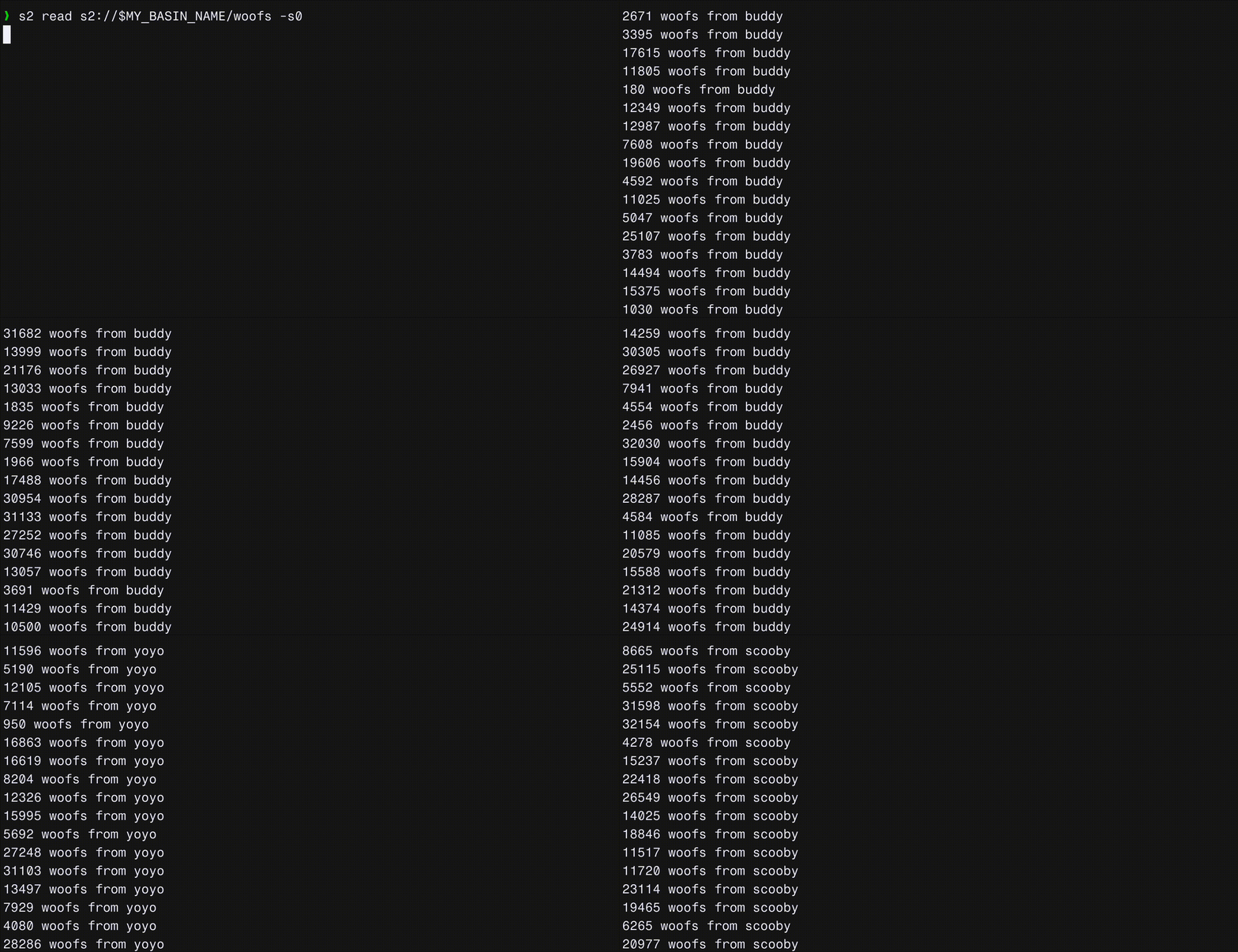
Open up another terminal and see the records being appended to the woofs stream:s2 read s2://${MY_BASIN_NAME}/woofs