

Setup
Get Service Name from S2 Dashboard
Go to the S2 dashboard, in the Basins tab, expand the Private Connectivity section to find your PrivateLink service name.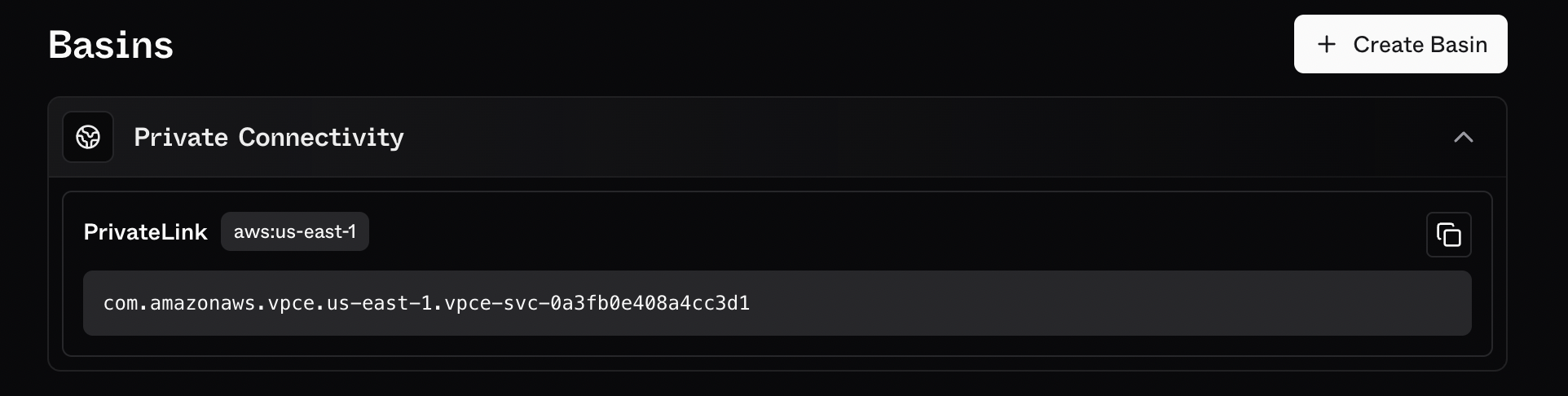
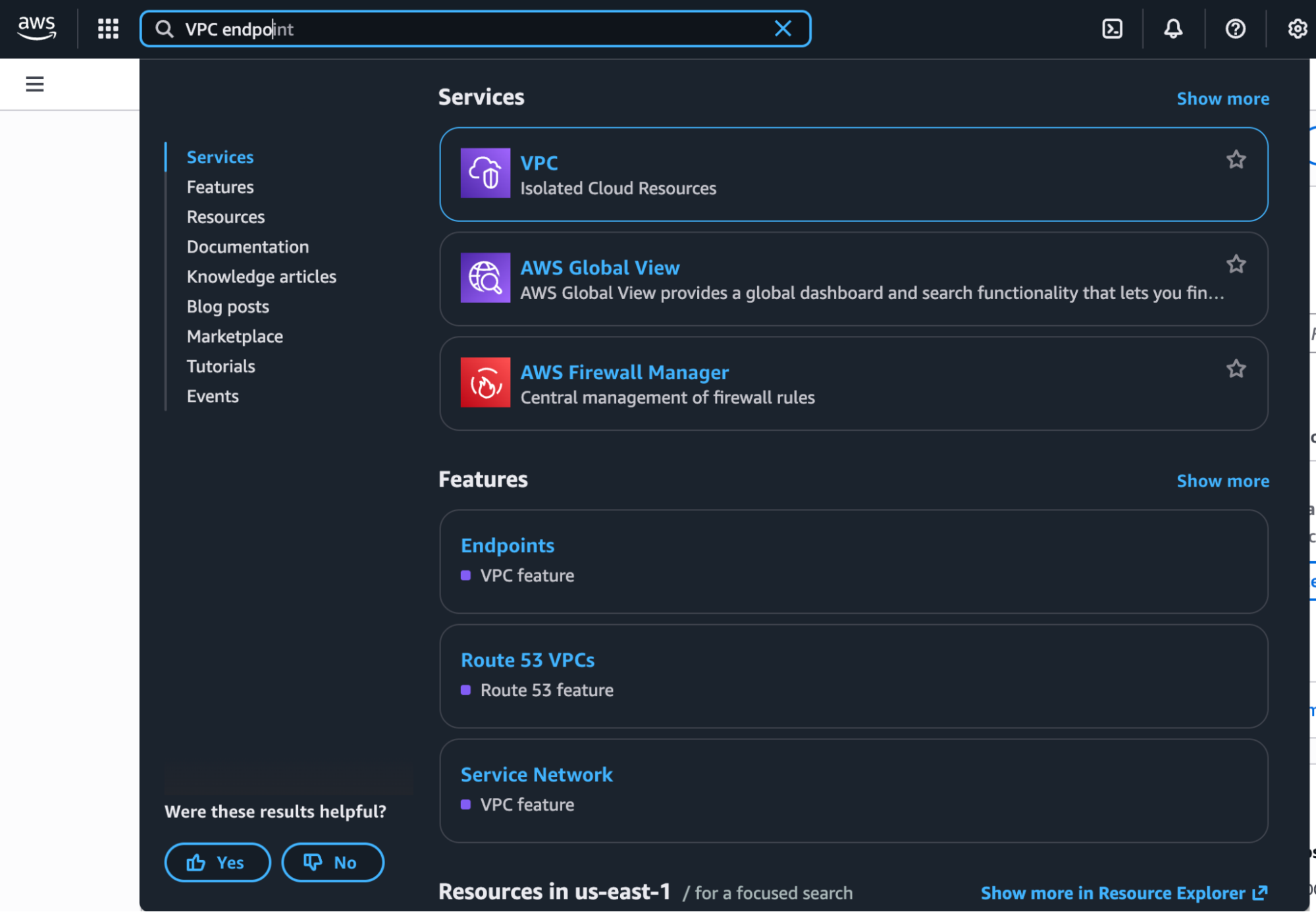
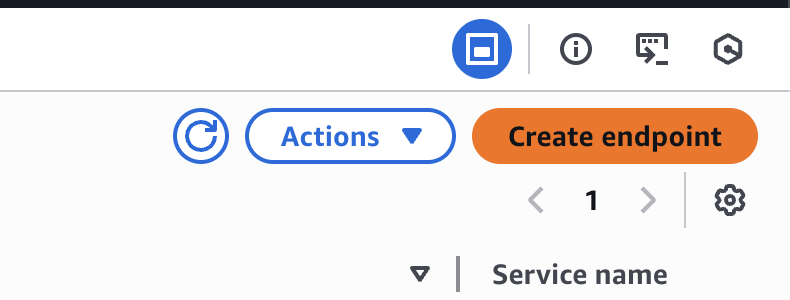
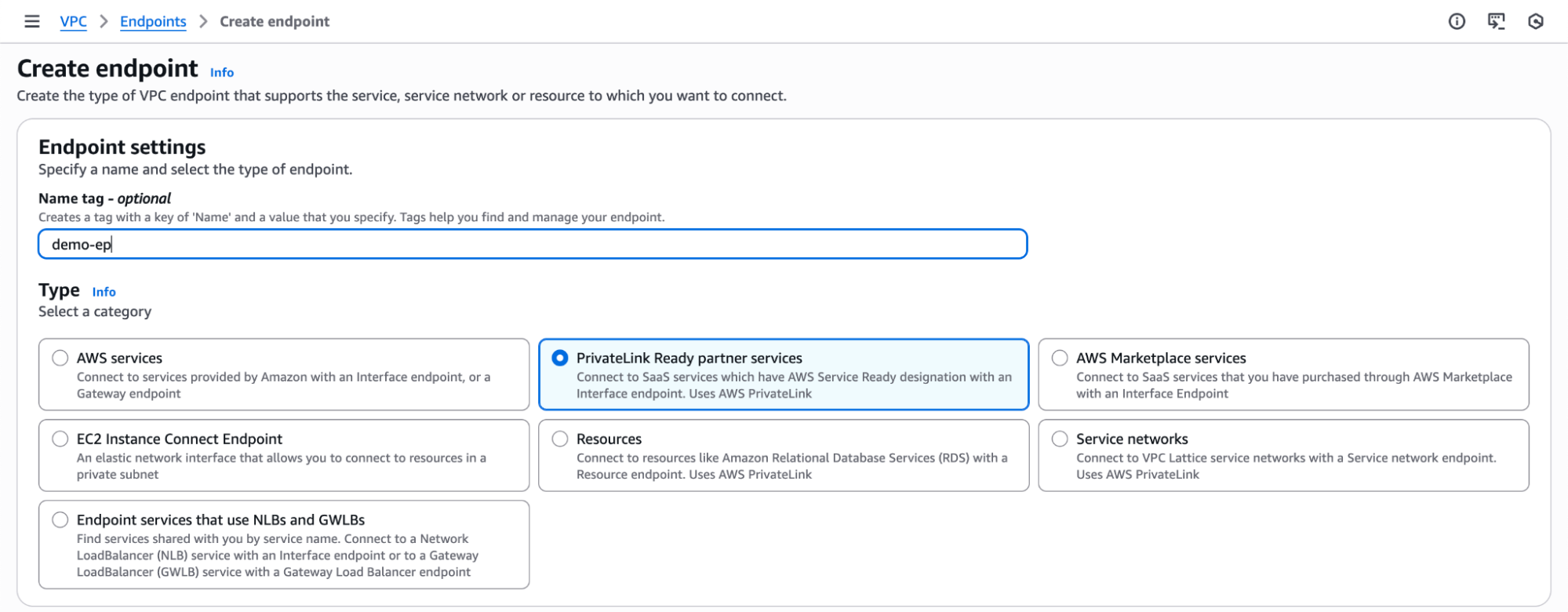
Verify Service
Enter the PrivateLink service name from the S2 dashboard and click on “Verify Service”.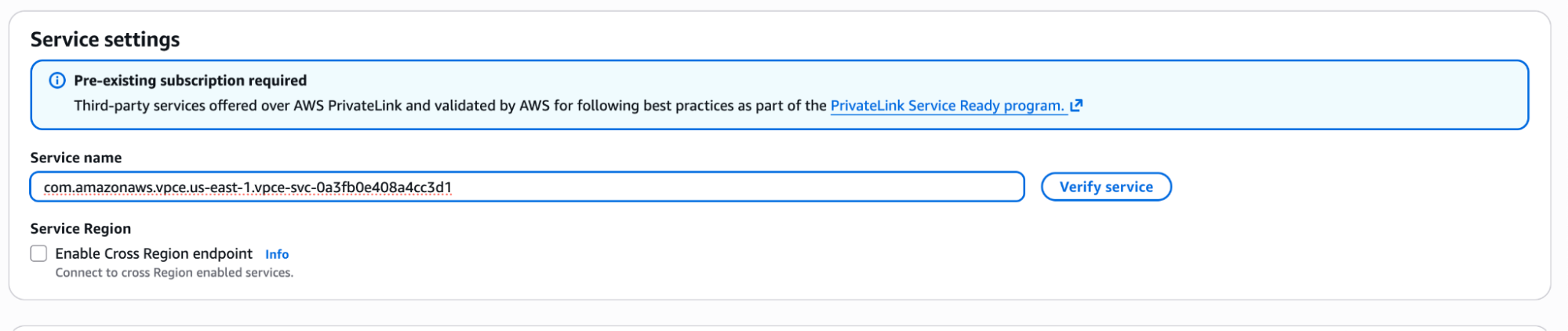
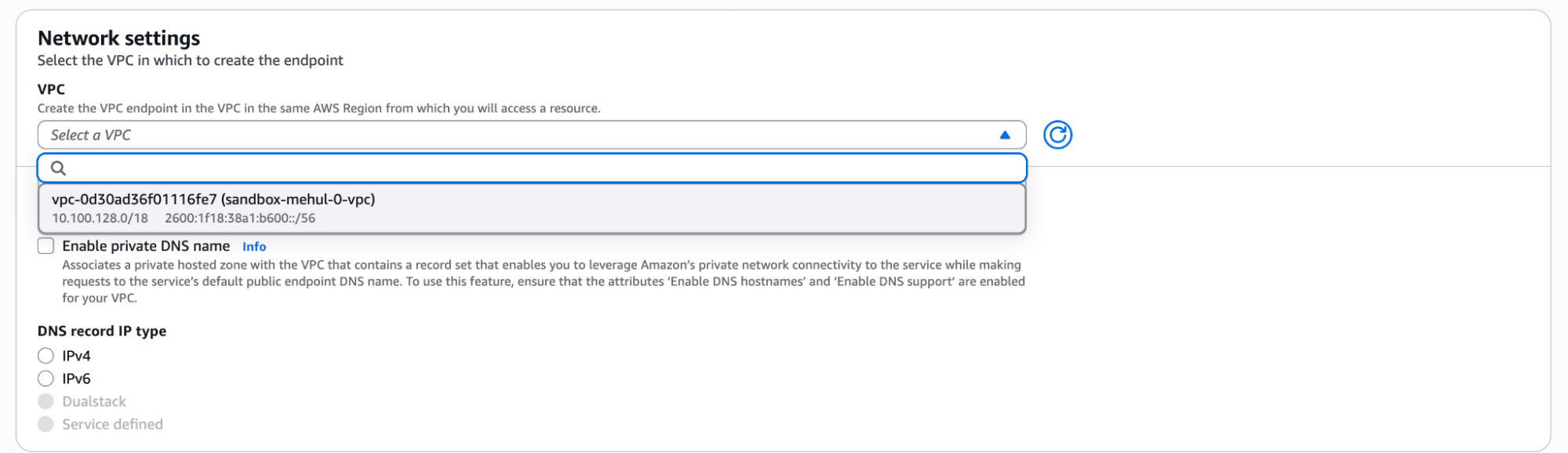
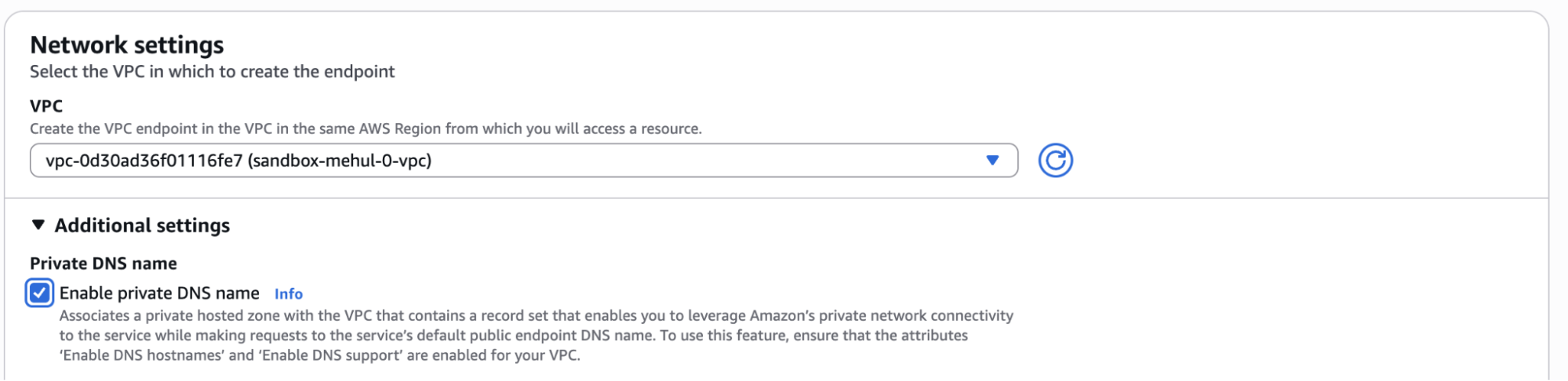
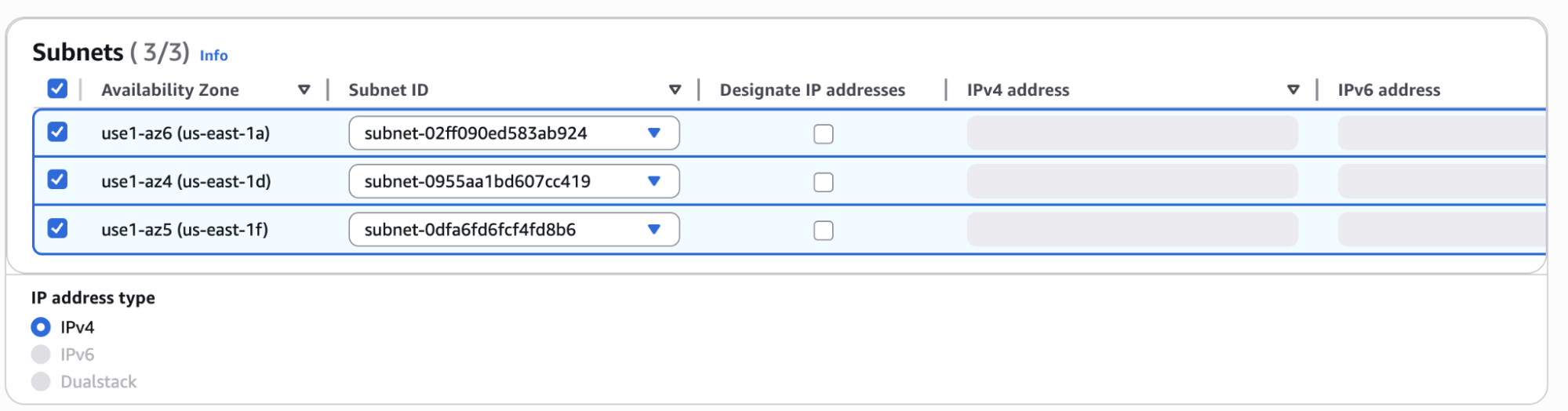

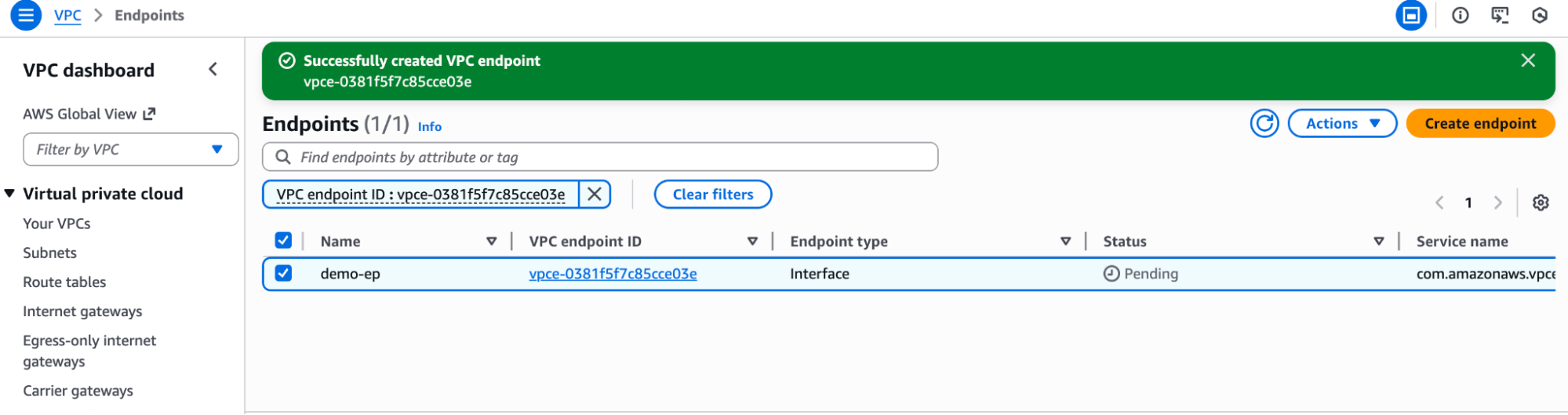
Validate Your Connection
-
From a VM on your VPC, try resolving the S2 basin DNS record:
You may need to clear caches or wait a few moments for this to take effect.
-
If everything has worked, this DNS record should resolve to a private IPv4 address (e.g., starting with
10.*).